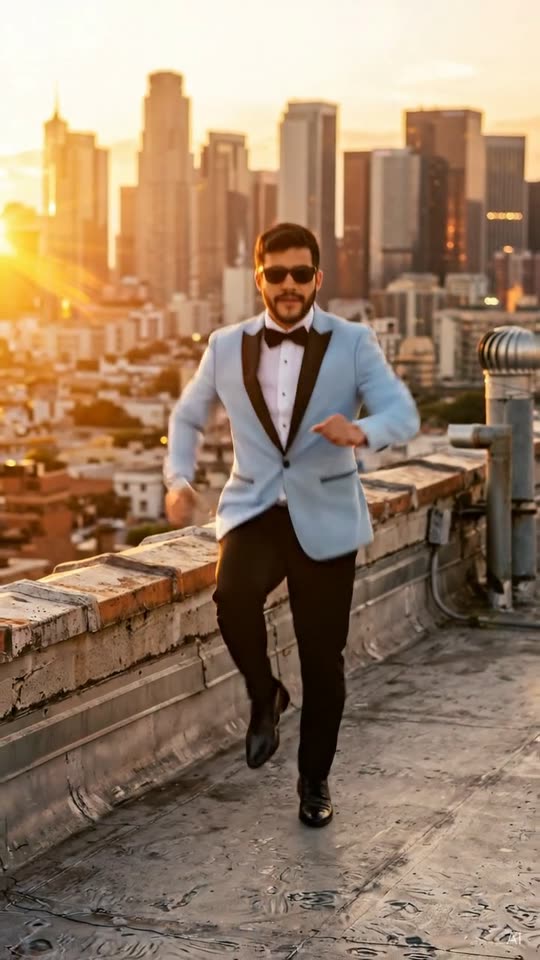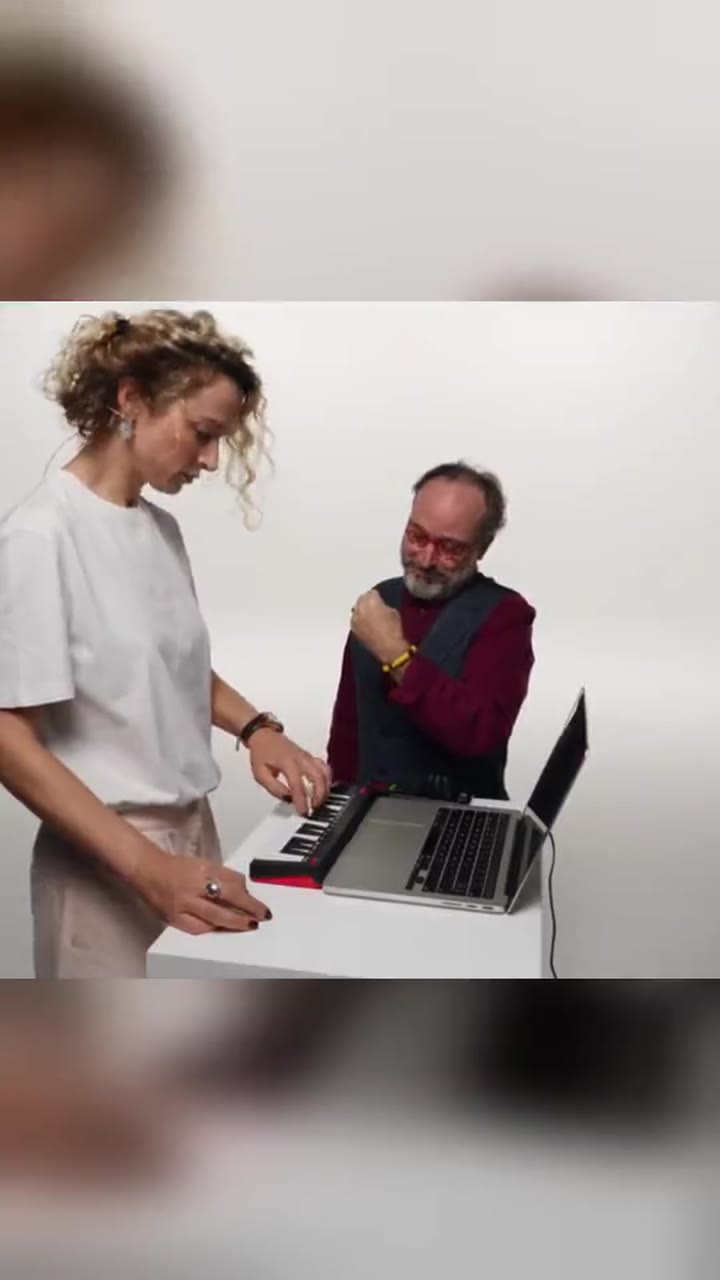
A trio dance made with human faces
The Chipmunks Dance AI video generator builds a short routine for three adults. They start side by side, jump and exchange places, then each face comes forward for a close-up. Your photographs supply the people. The room, the timing and the movement are newly generated, so nobody is pasted into an old cartoon, a movie frame or a television episode. MemeRemake does not draw chipmunk mascots, fur suits or animated animals on this page. The name points at a dance people already recognize. The picture stays a human remake. Every finished file is labeled AI-generated, which tells viewers this is a made scene rather than a recording of a live performance or an official clip. Use it when you and two friends want that row, swap and close-up shape with your own faces and your own clothes.
Start with three solo photos, left to right
Mode A is the default. Upload three separate portraits of three different consenting adults. Photo 1 becomes the dancer on the left, photo 2 the dancer in the center, and photo 3 the dancer on the right. Each file should show one person only, with the face large enough to recognize and the outfit you want kept in the video. A group selfie is not a substitute in this mode, because each identity needs its own clear reference. If two of the files show the same person, the preview stops and asks you to upload three different adults or switch to the group-photo option. Decide the order before you upload. Swapping files is how you change who stands on the left. The price stays 50 credits either way, and the routine does not get longer because you used three files instead of one.
Or use one group photo, mapped left to right
Mode B is for a single photograph that already shows exactly three adults standing left to right. The person on the viewer's left becomes the left dancer, the middle person stays in the center, and the person on the viewer's right becomes the right dancer. Do not crop the group into a collage or add a fourth friend at the edge. If the photo has two people, or four, the check rejects it and explains that this option needs exactly three adults. Sunglasses, a turned-away face or someone half out of frame makes the mapping unreliable, so choose a shot where all three faces are visible. You still confirm that every person in that photo is 18 or older and agreed to appear. One file does not mean one permission. The second and third consent boxes stay on screen for this mode.
The clothes in the photos stay in the dance
The routine keeps the clothing from the references instead of dressing everyone in matching costumes. A jacket, a plain shirt or a simple dress should still read as that person's outfit when the camera pulls back and when it moves in. Avoid busy logos, uniforms of a known brand and text across the chest, because the output is not supposed to show brand marks. Modest everyday clothes work best. Swimwear, underwear and revealing outfits are rejected. You do not need to photograph anyone already dancing. A calm standing portrait is enough. The generated scene supplies the bounce, the jump and the turn. If a sleeve or a hem matters to you, keep it inside the frame of the source photo so the still preview has something real to preserve.
Follow the row, the swap and the close-ups
The opening, from about zero to five seconds, shows the three adults in a row. They face the camera and start a simple bounce together, with enough space around them that a jump will not cut off a head or a foot. From about five to ten seconds they leave the ground and trade places. The left dancer, the center dancer and the right dancer change spots, and each face is supposed to travel with the same body. The last stretch, from about ten to fifteen seconds, brings each person forward in turn and then returns to the group. Watch the finished file for identity drift during the swap. A close-up that shows a blended face, or a dancer who arrives in someone else's shirt, is a reason to use the free re-make rather than to post. Some renders compress the same three beats into eight seconds. Check the timing in the file you receive before you line up a sound.
Adults only, and no famous or fictional faces
Everyone in the photos must be at least eighteen. A picture that might show a minor is rejected, including a childhood photo of someone who is now an adult. Celebrities, politicians, athletes and other public figures are rejected. Cartoon characters, television characters and film characters are rejected too, including the chipmunk characters this dance is named after. A costume that imitates those characters is not an acceptable workaround. Use yourself and ordinary adult friends who agreed to be in this imagined dance. The form asks you to confirm the second person and the third person separately: each one is an adult and agreed to be in this video. Tell them where you plan to post before you spend credits. The page is for a human trio. It will not turn a drawing, a screenshot or a mascot into a dancer.
Silent by default, so you can add the sound yourself
The download is silent. No original song, soundtrack or singer impersonation is included, and nothing on this page plays the recording people attach on TikTok. That keeps the file ready to post: add the trending sound in TikTok or Reels when you publish, and line the beat up with the jump if you want the swap to land on the music. Listen through the last close-up before you publish, because generated timing can be a little shorter than fifteen seconds. Keep the AI-generated label visible. A caption can name your friends or the occasion. It should not claim that a studio, a film company or a band made the clip, and it should not present the dance as a real performance you filmed. If the platform's sound is unavailable in your region, the silent picture still shows the routine.
Preview for free, then spend 50 credits
The free preview is a watermarked still of the opening row, not a free moving video. Use it to check three distinct human faces, the left-to-right order and the clothes before you commit. Both modes cost 50 credits. Credit packs start at $9.90. A technical failure does not charge you. Each completed paid video includes one free re-make within 24 hours if a face does not match the person you uploaded. The still cannot prove the jump, so review the MP4 when it arrives: hands, feet and faces through the swap, then each close-up. Create the preview and the video in your browser. There is no app to install. The output is a vertical 9:16 MP4 at 720p, about fifteen seconds when the longer model is used.
An unofficial remake, not an official production
MemeRemake is not affiliated with Alvin and the Chipmunks, Universal, Bagdasarian or Dead or Alive. This page does not offer an official video, a licensed character or a soundtrack from those rightsholders. The trend name is here so you can find the human dance format. It is not an endorsement. Do not upload promotional stills, posters or screenshots and expect them to pass. Real photographs of consenting adults are the only references. If you want a different group dance, the Gangnam Style AI Dance page covers a horse-dance trio, and Alors On Danse covers a white-studio keyboard sketch. Those templates use their own photo counts and prices. Read each page before you switch, because a duo sketch is not the same routine as this three-person row.
How to frame the photos so the close-ups hold
Use recent, well-lit photos. Eyes should be visible, and a hand should not cover the mouth. Heavy filters, tiny crops and sunglasses make the close-up section harder to recognize. Different backgrounds are fine, because the dance space is generated. Similar sharpness across the three solo photos helps the trio look consistent when they stand together. For the group option, stand the three adults shoulder to shoulder, facing the camera, with no stranger walking through the background. Leave a little room above the hair so a jump has somewhere to go. After you download the silent file, post it from your phone and attach the sound there. Keep on-screen text away from the eyes during the close-ups. Share the result only when all three adults are comfortable with the pictures and the caption.