A tiny keyboard starts a very big reaction
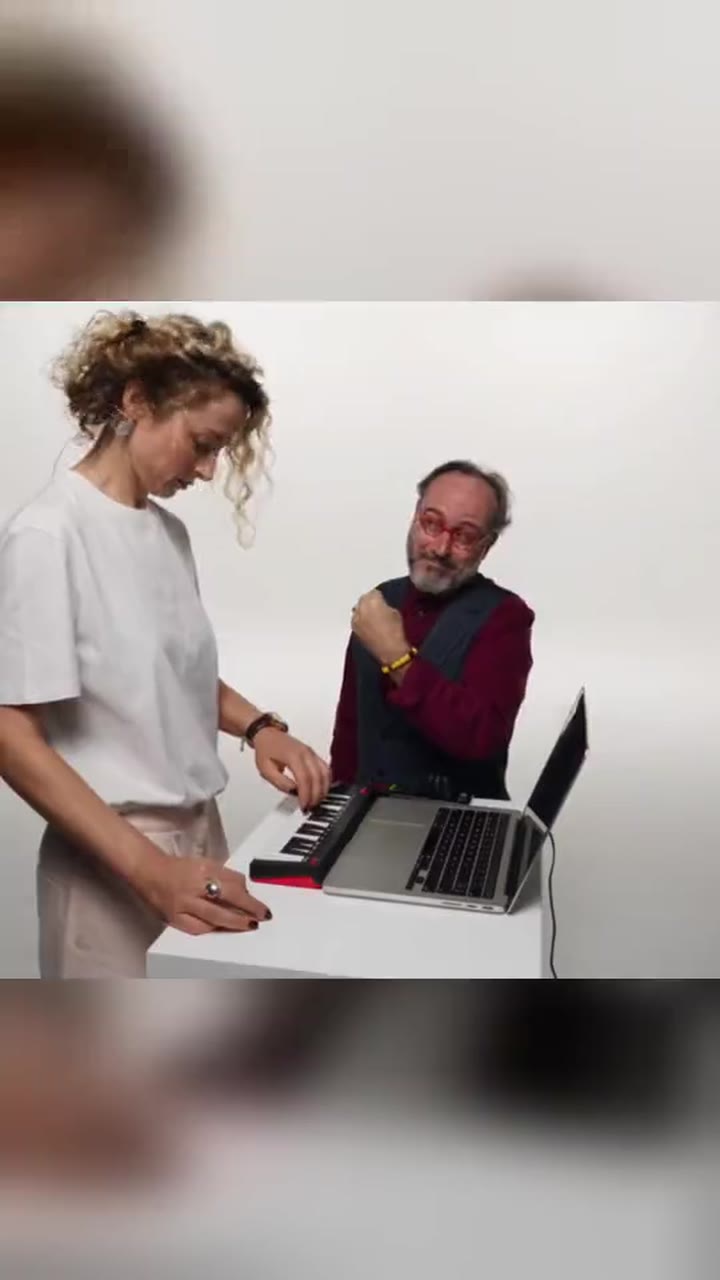
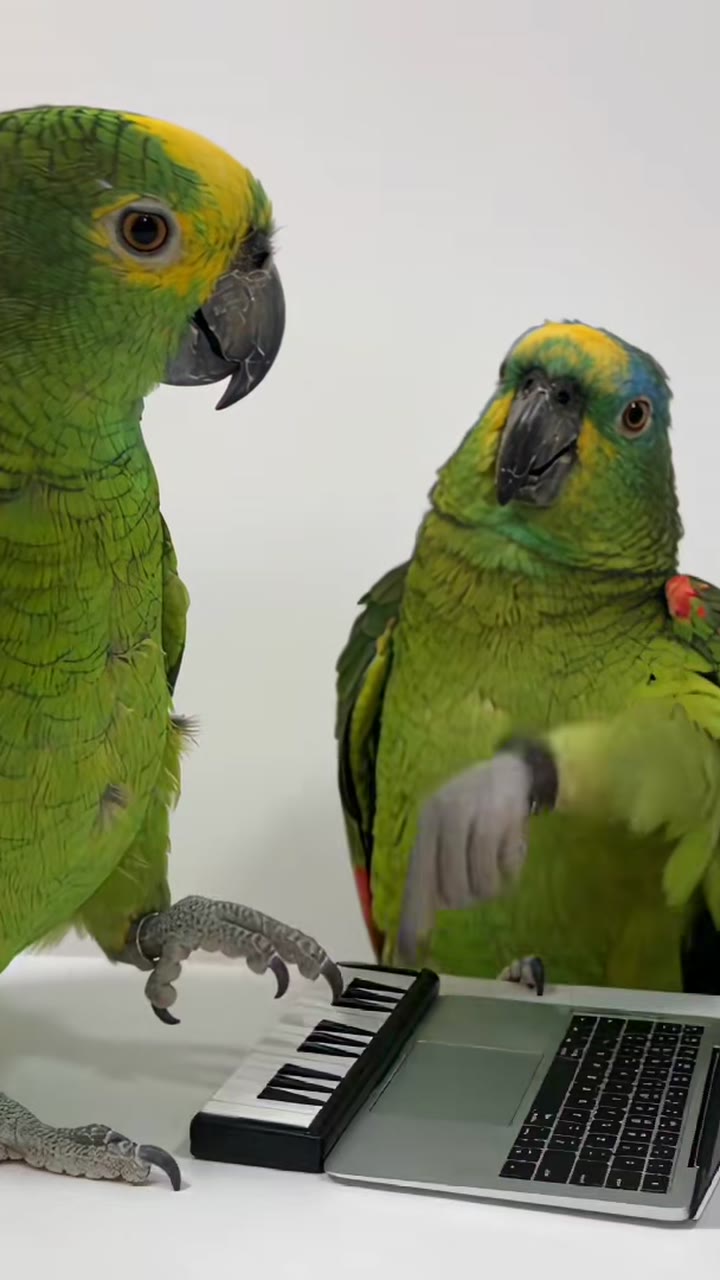
The Alors On Danse AI video generator turns a quiet studio setup into an escalating joke. One person sits at a laptop, tapping a miniature musical keyboard as if a simple rhythm deserves complete concentration. Beside the table, a friend starts nodding, clapping and pointing at the screen before finally standing up to dance with exaggerated enthusiasm. The blank white setting makes the contrast easy to read: a restrained keyboardist and a dancer who keeps getting more excited. Your photographs supply the adult identities, while the room, props and performance are newly generated. The result is a personal sketch to share with friends, with an AI-generated label that identifies the scene as fictional.
Choose two adults or one person playing both roles
The default option is 2 people · one role each. Upload photo 1 for the keyboardist at the laptop and photo 2 for the dancer. These must be two different consenting adults, each shown alone in their own reference image. If you want to make the joke yourself, choose 1 person plays both roles before uploading. That mode needs only one photo and uses successive shots of the same adult as keyboardist and dancer. It does not introduce a stranger to fill the second role. Both options cost 50 credits because they tell the same complete studio story. Pick the cast first so the upload fields match the photos you have prepared.
Prepare faces that remain clear through the reaction
Use a recent, well-lit photo with the full face visible, eyes unobstructed and enough detail to recognize the person. A relaxed expression works well because the generated scene supplies the laughter and dancing. You do not need to own a keyboard or photograph yourself in a white studio. Avoid heavy filters, tiny crops, sunglasses, blurred faces and hands covering the mouth. Each upload must show exactly one adult; a group picture needs a suitable individual crop or a replacement portrait. For two-person mode, similar photo clarity helps both performers remain recognizable as attention moves between the table and the dance. Different source backgrounds are fine because the final studio is created for the sketch.
Adults only, with permission for every role
Everyone shown must be at least eighteen years old. Any photo that may show a minor is rejected, including a childhood photo of someone who is now an adult. Use yourself or ordinary adult friends who agreed to appear in this imagined scene. The second upload has its own confirmation: The second person is an adult and agreed to be in this video. Celebrity, public-figure and movie-character photos are not accepted. That includes attempts to recreate a famous performer through a costume or a recognizable character portrait. Make sure your friend understands both the role and where you intend to post the result before starting the free preview.
Follow the keyboard, reaction and dance beats
The intended opening runs from zero to four seconds: the keyboardist stays seated beside the laptop, taps the small keyboard and gives a slight head bob. From four to nine seconds, the dancer starts responding with nods, claps, a point toward the screen and an amused lean toward the table. The final section brings the payoff as the dancer stands and makes large energetic movements while the keyboardist keeps tapping and grinning. A playful freeze ends the scene. In solo mode, successive shots connect these actions using the same face in both roles. The target is approximately fifteen seconds; some renders compress all three beats into eight seconds, so check the delivered timing before matching your post's sound.
Frame the joke for your destination
Choose 9:16 for a vertical composition or 16:9 for a wider studio view. The default vertical format keeps the faces and reaction prominent on a phone, while the horizontal option gives the table and dance floor more space across the image. Neither choice changes the 50-credit price. Inspect the preview for enough room around the keyboardist's hands and the dancer's standing position. When adding captions in a posting app, keep them away from faces, fingers and the large final movements. A short line about your own friendship or everyday situation usually explains the joke without filling the white background with text that distracts from the performance.
Preview free before spending 50 credits
The free preview is a watermarked still image, not a free moving video. Use it to check identity, casting, studio layout and your chosen aspect ratio before committing credits. The full video costs 50 credits in both two-person and one-person modes. Review the completed clip for facial consistency, natural keyboard fingers and a smooth transition into dancing. Technical generation failures return the credits, and one free re-make within twenty-four hours is available if the result needs another attempt. A still cannot prove how the final choreography will look, so keep the distinction between preview composition and finished motion in mind when deciding what to share.
Original instrumental music and a silent download
Your video includes original upbeat electronic instrumental background music, with a fresh rhythm for the taps, nods and dance. It does not include the Stromae song, a copied recording, imitated lyrics or a singer impersonation. A silent download is also available, making it easier to choose a sound separately without overlapping two tracks. Add the trending sound in TikTok/Reels when you post. Align the music you select with the moment the dancer stands, and listen through the ending before publishing. For a group chat, the version with original instrumental music can carry the joke without requiring the recipient to open a separate sound page.
An unofficial fan remake of the white-studio sketch style
This is a fan remake of the 2010 TV sketch style, not the official Stromae music video. MemeRemake is not affiliated with Stromae, Jamel Debbouze or the original broadcaster. No original sketch footage, official music-video footage or original performers' likenesses are used. The laptop, keyboard, clothing and white studio should remain generic, without television network logos or brand marks. The trend name identifies the joke people are searching for; it does not mean an artist has endorsed your generated performance. Keep the AI-generated label visible when posting so viewers can recognize the result as a newly imagined scene featuring the consenting adults you supplied.
Keep the studio joke useful beyond one trend
A friend getting too excited about a tiny idea is a familiar setup even when a particular sound stops trending. You can frame your white-studio sketch around finishing a work task, discovering a new hobby or celebrating a small shared success. Choose a caption that fits the participants and does not pretend the clip documents a real television appearance. This page stays available as an evergreen way to make that keyboard-and-dancer story. For a different movement, explore the AI dance video from photo guide; for a performance around a desk and instruments, compare Desk Concert AI. Those formats offer different roles, so review their own upload requirements before switching templates.