Tiptoeing in My Jordans Meme Maker
RisingRemake the Tiptoeing in My Jordans trend with your own photo. Review a free AI-generated still before creating an eight-second video.
40 credits · $3.99 value
Create your free preview →
TikTok Trend Video Maker turns consenting adult photos into newly generated eight-second scenes for TikTok and Reels.
Choose the visual story, check your free watermarked still and add the trending sound when posting.
Remake the Tiptoeing in My Jordans trend with your own photo. Review a free AI-generated still before creating an eight-second video.
40 credits · $3.99 value
Create your free preview →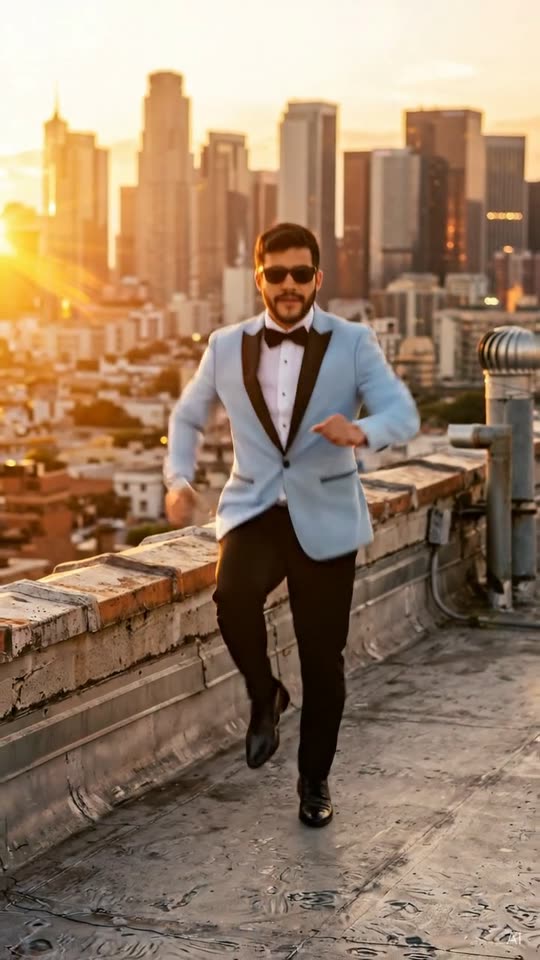
Remake the Gangnam Style AI Dance trend with your own photo. Review a free AI-generated still before creating an eight-second video.
40 credits · $3.99 value
Create your free preview →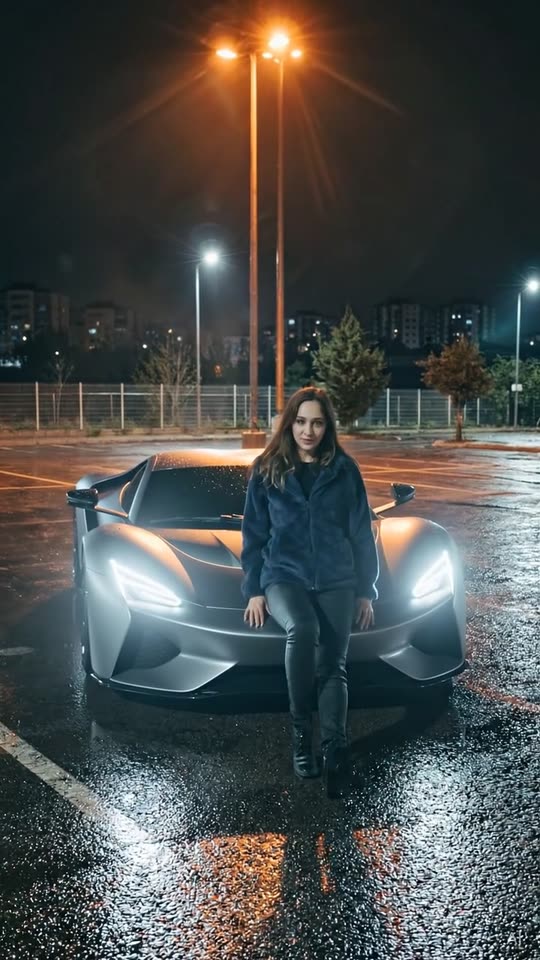
Remake the 24 / Unforgettable Car trend with your own photo. Review a free AI-generated still before creating an eight-second video.
40 credits · $3.99 value
Create your free preview →Made with the same template, settings and AI model you get—unedited apart from web compression. Results vary with each photo.
 Before · photo
 Before · photo
 Before · photo
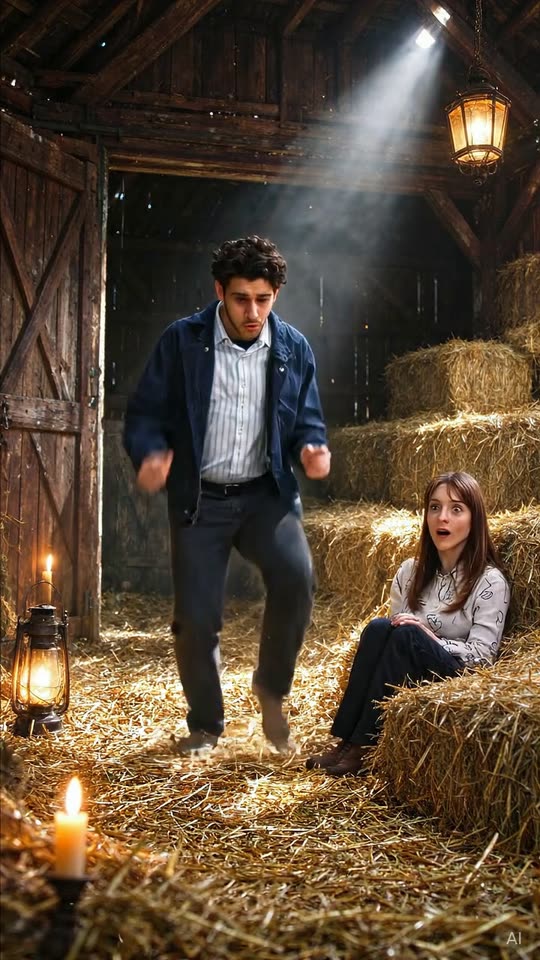
Enter a straw-filled barn in warm candlelight with subtle film grain. Sneak backward on tiptoes, surprised by a watcher in the hay. Close-up of the startled watcher with wide eyes. Dancer puts one finger to lips: shh. Open both arms. Dance weirdly on tiptoes, looking between the watcher and own feet. The timing table below compresses the full idea into eight seconds. Follow the order when reviewing your finished clip: an attractive first frame alone does not tell you whether every action is present. Watch once at normal speed for the overall joke, then again for the transition and ending. The camera descriptions describe intended framing, while small generated details can vary. Check hands, eyes and props before posting. A clear face and a readable silhouette matter more than a busy background.
Stand in a suit and generic sunglasses at sunset. Cross wrists holding imaginary reins; perform bouncing horse-dance steps. Swing a wrist like a lasso while hopping. Remove sunglasses and raise an eyebrow at camera. The timing table below compresses the full idea into eight seconds. Follow the order when reviewing your finished clip: an attractive first frame alone does not tell you whether every action is present. Watch once at normal speed for the overall joke, then again for the transition and ending. The camera descriptions describe intended framing, while small generated details can vary. Check hands, eyes and props before posting. A clear face and a readable silhouette matter more than a busy background.
Stand in an empty parking lot beneath night streetlights. Raise two red cards, one with a large 2 and one with a large 4. Flick one hand. A sleek generic unbadged supercar appears behind through light. Lean beside the car and look at camera. The timing table below compresses the full idea into eight seconds. Follow the order when reviewing your finished clip: an attractive first frame alone does not tell you whether every action is present. Watch once at normal speed for the overall joke, then again for the transition and ending. The camera descriptions describe intended framing, while small generated details can vary. Check hands, eyes and props before posting. A clear face and a readable silhouette matter more than a busy background.
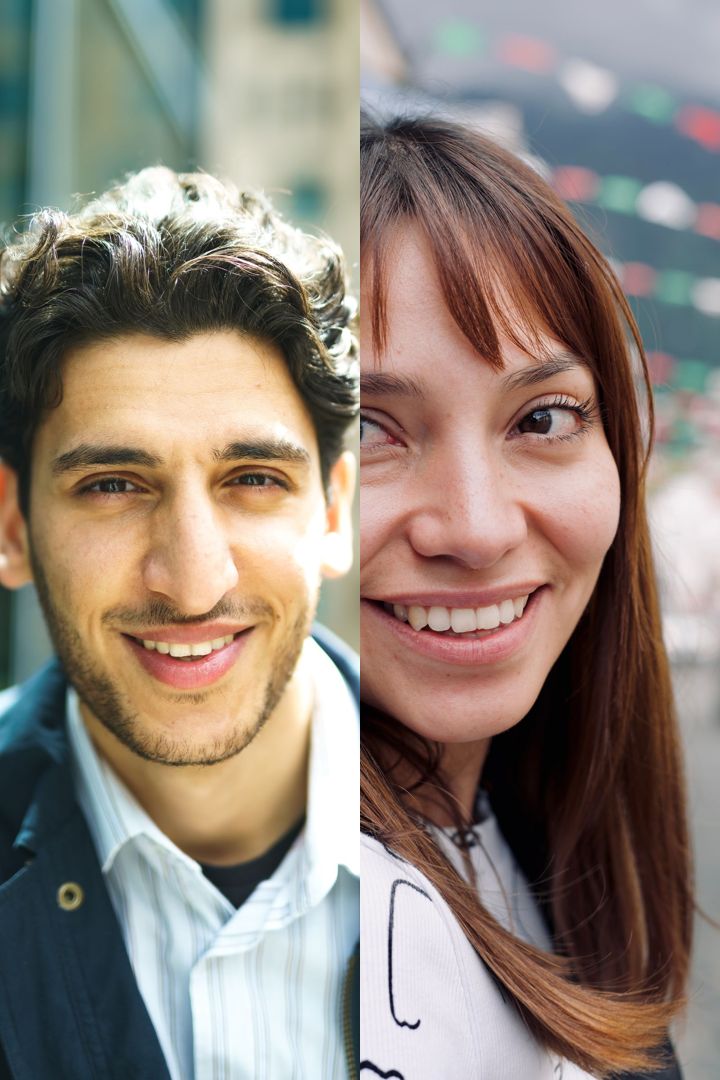
For Tiptoeing in My Jordans Meme Maker, begin with a recent, unfiltered photo of one adult. Use a front-facing view or a slight angle with the whole face visible. Even window light is useful because it shows skin tone and facial contours without strong shadows. A half-body or full-body photograph can help with movement when the face is still large and sharp. Avoid screenshots, watermarks, masks, sunglasses and heavy beauty filters. Keep your usual hairstyle visible. The goal is to preserve your identity and adult age, rather than invent a different person. Photos that might show a minor are rejected before any video credits are charged.
No original song is supplied with Tiptoeing in My Jordans Meme Maker. The main file uses an original instrumental beat or scene effects; the silent download is useful when adding platform audio. Add the trending sound in TikTok/Reels when you post, subject to the rights available for your account and region. Keep the AI label on when you post, including the corner mark and metadata. A caption can explain that this is your AI remake of the trend. Avoid presenting the scene as a real event. Review platform crop and caption placement so buttons do not cover the face or the final reveal.
Yes. Review a free watermarked AI-generated first-frame still before using video credits.
Every template creates an 8-second video at 720p. Tiptoeing offers 9:16 or 16:9; other templates are vertical 9:16.
No. We only make videos of adults (18+). Any photo that may contain a minor is rejected.
No. We can't use photos of celebrities or public figures.
We never use your photos to train AI models, and the AI services that process them state that they do not train on customer data. Photos are processed only to create your video and may be kept briefly by our processing partners for safety and abuse prevention.