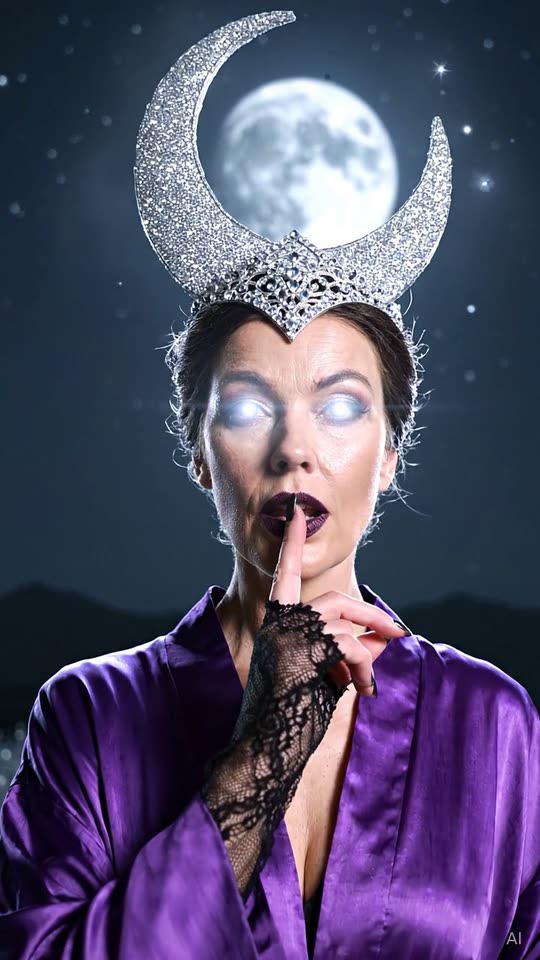
Enchantress Filter AI
SeasonalRemake the Enchantress Filter trend with your own photo. Review a free AI-generated still before creating an eight-second video.
40 credits · $3.99 value
Create your free preview →
AI Halloween Filters turns consenting adult photos into newly generated eight-second scenes for TikTok and Reels.
Choose the visual story, check your free watermarked still and add the trending sound when posting.
Remake the Enchantress Filter trend with your own photo. Review a free AI-generated still before creating an eight-second video.
40 credits · $3.99 value
Create your free preview →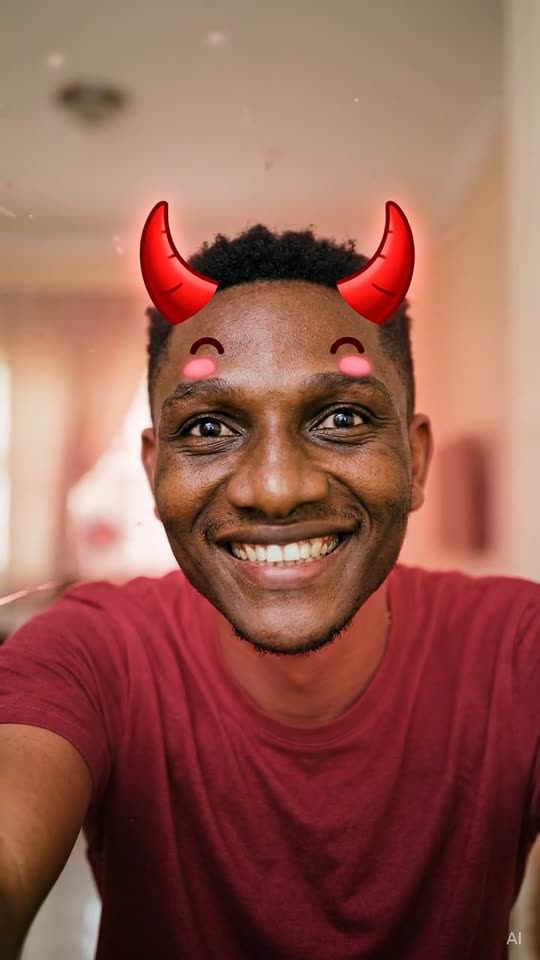
Adults only—no baby or child photos. Remake the Angel or Devil Filter trend with your own photo. Review a free AI-generated still before creating an eight-second video.
30 credits · $2.99 value
Create your free preview →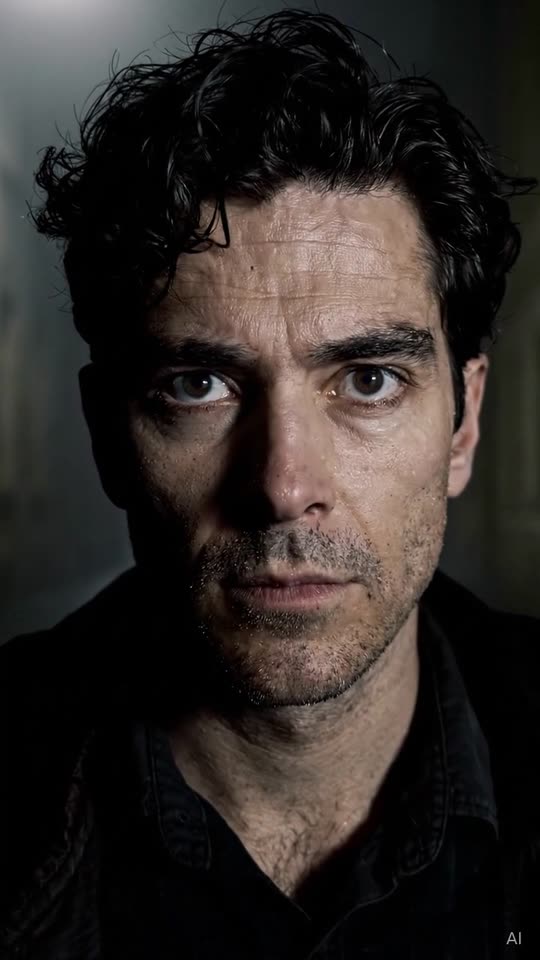
Remake the Fog Entrance trend with your own photo. Review a free AI-generated still before creating an eight-second video.
30 credits · $2.99 value
Create your free preview →Made with the same template, settings and AI model you get—unedited apart from web compression. Results vary with each photo.
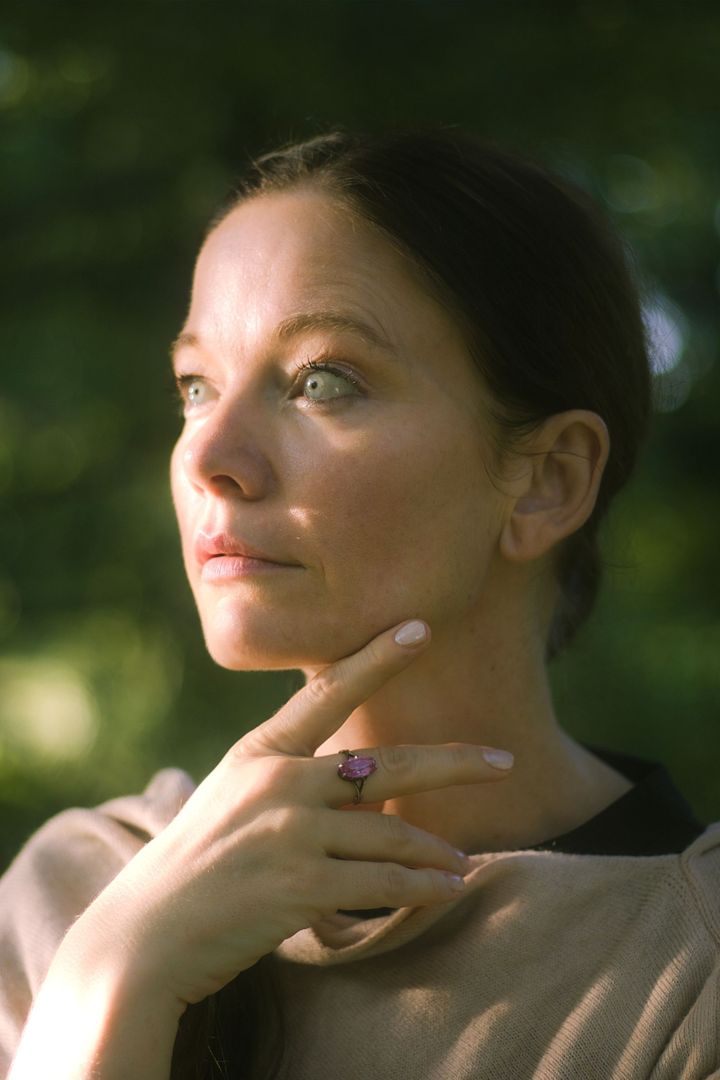 Before · photo
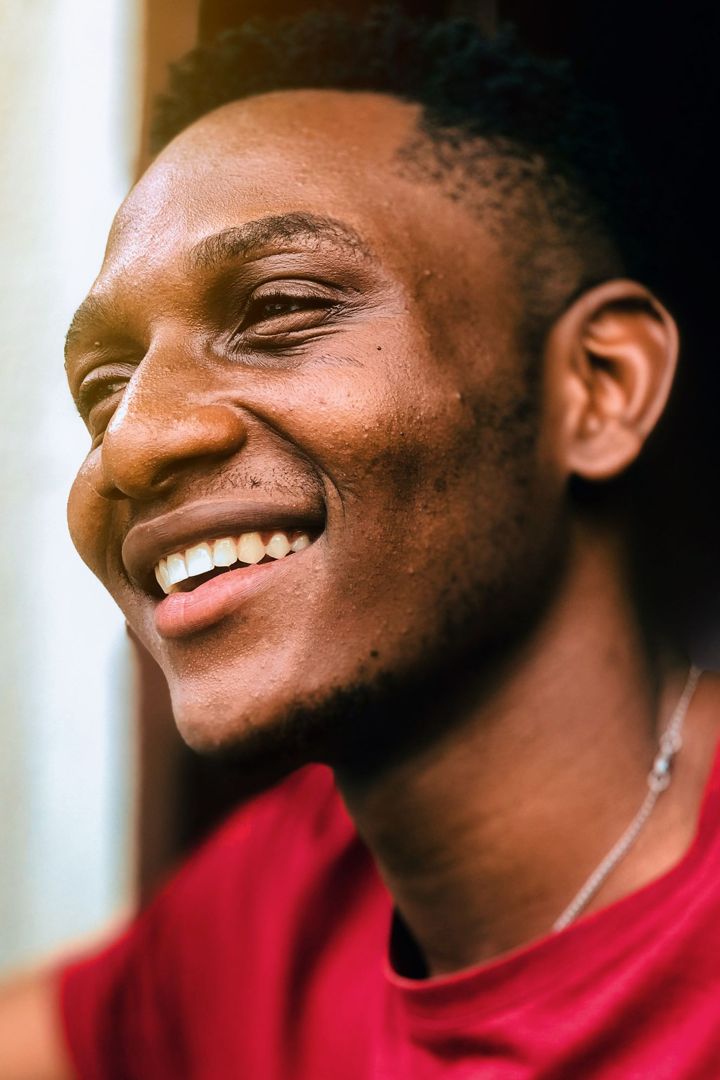 Before · photo
 Before · photo
Begin in a normal portrait setting; a black clawed fantasy hand enters and gently takes the subject hand or paw. A shadow wipes across the lens. Reveal a crescent crown, dark lips and modest dark purple robe under moonlight. A finger-to-lips shh gesture and softly glowing eyes finish the transformation. The timing table below compresses the full idea into eight seconds. Follow the order when reviewing your finished clip: an attractive first frame alone does not tell you whether every action is present. Watch once at normal speed for the overall joke, then again for the transition and ending. The camera descriptions describe intended framing, while small generated details can vary. Check hands, eyes and props before posting. A clear face and a readable silhouette matter more than a busy background.
Portrait with two progress bars above the adult, marked with angel and devil icons. The bars race with playful stylized numbers. Reveal either a halo and white wings or small red horns and soft red glow. Smile at camera; playful, never frightening. The timing table below compresses the full idea into eight seconds. Follow the order when reviewing your finished clip: an attractive first frame alone does not tell you whether every action is present. Watch once at normal speed for the overall joke, then again for the transition and ending. The camera descriptions describe intended framing, while small generated details can vary. Check hands, eyes and props before posting. A clear face and a readable silhouette matter more than a busy background.
An empty street is thick with fog beneath a distant streetlight. The subject walks slowly out of the fog, becoming clearer as camera pushes in. Stop close to camera and lift eyes to look directly into lens. The timing table below compresses the full idea into eight seconds. Follow the order when reviewing your finished clip: an attractive first frame alone does not tell you whether every action is present. Watch once at normal speed for the overall joke, then again for the transition and ending. The camera descriptions describe intended framing, while small generated details can vary. Check hands, eyes and props before posting. A clear face and a readable silhouette matter more than a busy background.
For Enchantress Filter AI, begin with a recent, unfiltered photo of one adult. Use a front-facing view or a slight angle with the whole face visible. Even window light is useful because it shows skin tone and facial contours without strong shadows. A half-body or full-body photograph can help with movement when the face is still large and sharp. Avoid screenshots, watermarks, masks, sunglasses and heavy beauty filters. Keep your usual hairstyle visible. The goal is to preserve your identity and adult age, rather than invent a different person. Photos that might show a minor are rejected before any video credits are charged.
No original song is supplied with Enchantress Filter AI. The main file uses an original instrumental beat or scene effects; the silent download is useful when adding platform audio. Add the trending sound in TikTok/Reels when you post, subject to the rights available for your account and region. Keep the AI label on when you post, including the corner mark and metadata. A caption can explain that this is your AI remake of the trend. Avoid presenting the scene as a real event. Review platform crop and caption placement so buttons do not cover the face or the final reveal.
Yes. Review a free watermarked AI-generated first-frame still before using video credits.
Every template creates an 8-second video at 720p. Tiptoeing offers 9:16 or 16:9; other templates are vertical 9:16.
No. We only make videos of adults (18+). Any photo that may contain a minor is rejected.
No. We can't use photos of celebrities or public figures.
We never use your photos to train AI models, and the AI services that process them state that they do not train on customer data. Photos are processed only to create your video and may be kept briefly by our processing partners for safety and abuse prevention.